Lane timers built for axe throwing venues
Remote Timers puts a synchronized countdown on every lane's TV, controlled from one dashboard at your front desk. Start walk-in sessions with one click, add time without leaving the counter, and run interactive team games on the same screens. Any TV with a web browser works — no hardware to install.
No hardware to install · Works on any screen with a browser · Cancel anytime
Stop walking lane to lane
Kitchen timers, whiteboards, and locked-down hardware clocks don't scale past two lanes. Staff burn time resetting sessions at each station, guests argue about how much time is left, and nothing on screen matches your brand. Remote Timers replaces all of it with one dashboard and the TVs you already own.
How it works
Open a timer on each lane's TV
Every lane gets its own timer URL and QR code. Open it in the TV's web browser once — the screen becomes a live, branded countdown display.
Run every lane from the front desk
The hub dashboard shows all lanes side by side. Start a '60-Minute Group' preset, add ten minutes to lane 3, or reset lane 5 for the next booking — one click each.
Brand it and run games
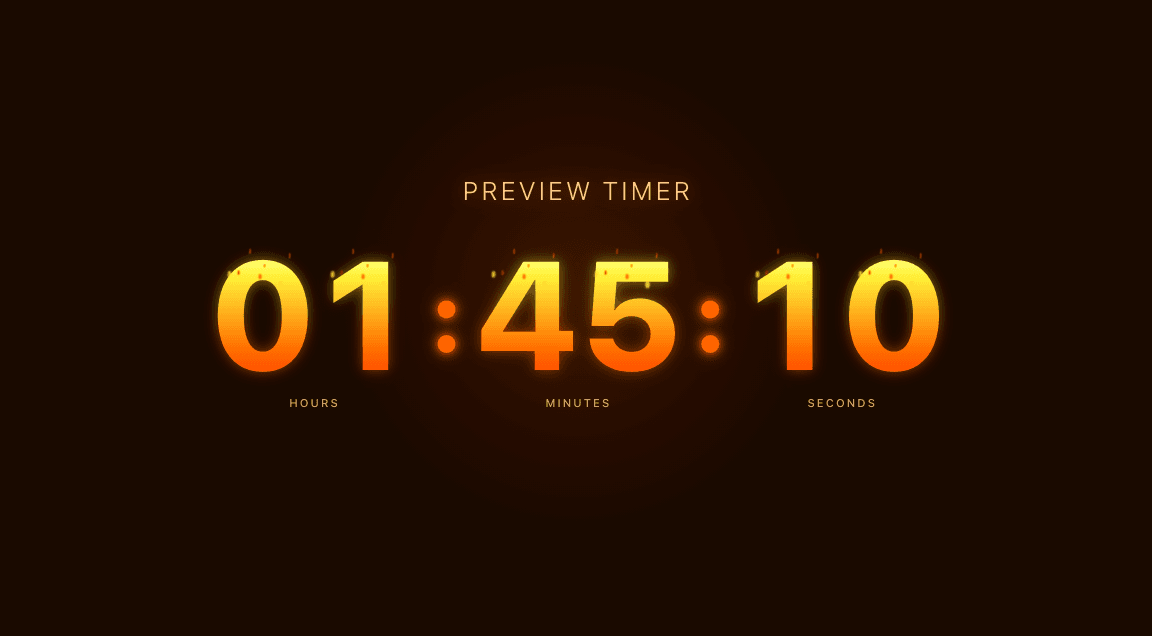
Apply the Axe Throwing theme, upload your logo, and set your colors. Switch a lane into the interactive game mode for team scoring on league nights.
Everything your venue needs
Multi-lane hub dashboard
Every lane's live countdown in one view at the front desk — start, add time, reset, and reorder lanes without walking the floor.
Interactive game mode
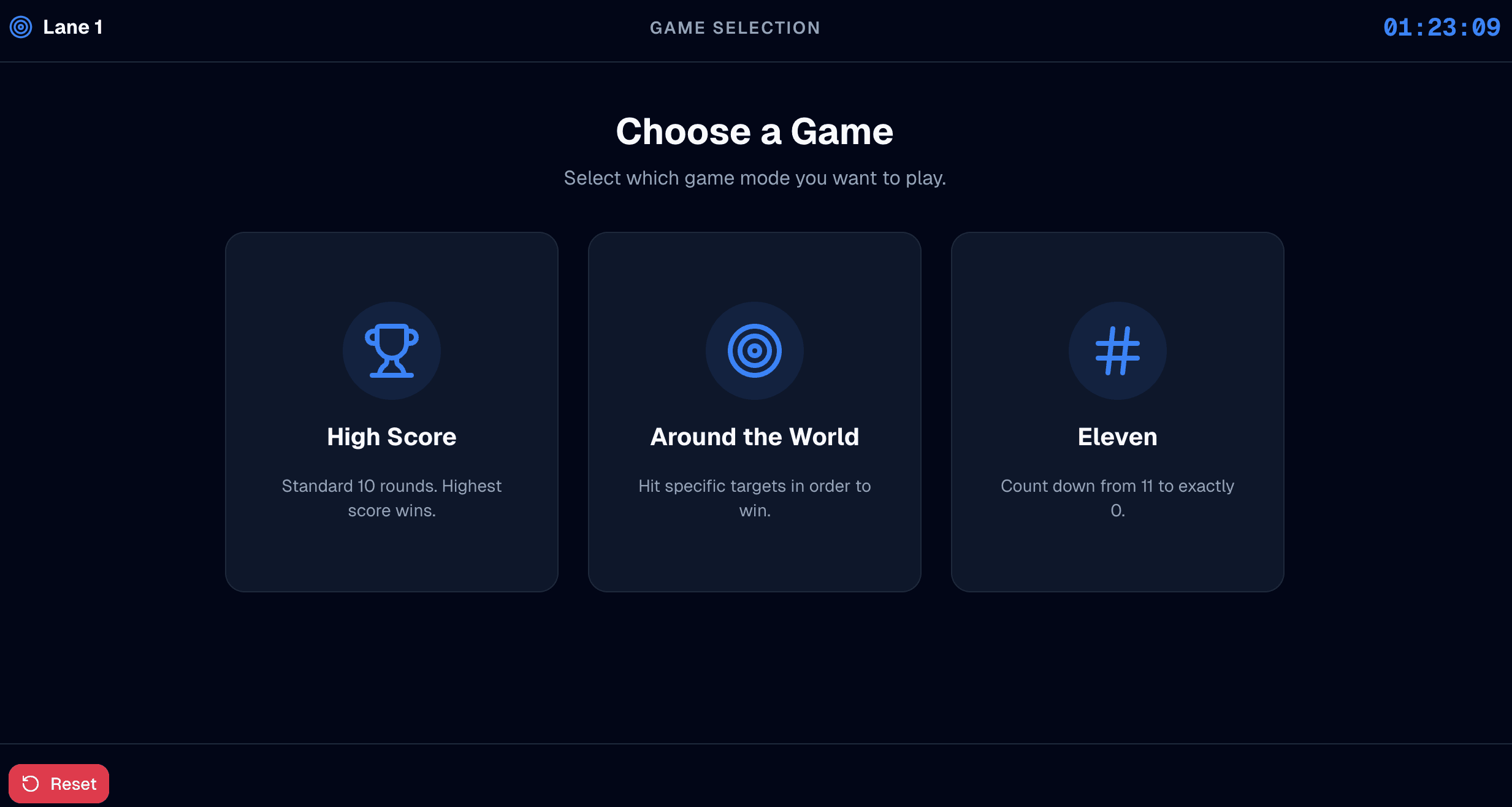
The axe-throwing game themes add multiplayer scoring synced across displays — pick a game, add players, and track points right on the lane's screen.
One-click session presets
Build presets that match how you sell: 30-Minute Walk-in, 60-Minute Group, Tournament Round. Staff never type durations by hand.
Fair, synced countdowns
A shared server clock with drift correction keeps every lane ticking in lockstep — no lane-to-lane disagreements during league play.
QR codes per lane
Print a QR code at each lane so throwers can pull the countdown up on their own phones without interrupting the session.
Your brand on every screen
Logo, brand color, and themes make lane displays look like part of your venue, not an off-the-shelf timer.
Ready-made themes that fit the room
Simple, flat pricing
$14.99/month
or $149.99/year · includes 5 timers and 10 display connections
Extra timers $2.00/mo (each adds 2 connections) · extra connections $0.50/mo
No credit card required for the trial · Cancel anytime · Full pricing calculator
Frequently asked questions
Do I need special hardware for axe throwing lane timers?
No. Any TV, tablet, or monitor with a web browser becomes a lane timer — open the lane's timer URL once and it stays live. There's no controller box and nothing to install beyond the screens you already have.
Can I control all lanes from the front desk?
Yes. The hub dashboard shows every lane side by side with live countdowns. Staff start sessions from presets, add or subtract time, reset lanes between groups, and swap two lanes — all from one tablet or computer.
Does it work for leagues and tournaments?
Yes. Countdowns stay synchronized across every lane for fair rounds, and the interactive axe-throwing game mode adds player scoring on the lane displays — useful for league nights and bracket play.
Can guests see the lane timer on their phones?
Yes. Every timer has a public link and QR code. Guests scan it and watch the same live countdown on their own device — view-only, so nobody can tamper with the clock.
How much does an axe throwing timer system cost?
Remote Timers is $14.99/month (or $149.99/year) and includes 5 timers and 10 display connections — enough for a five-lane venue. Extra lanes are $2/month each, and every account starts with a 30-day free trial.