A presentation timer on every screen that needs it
Remote Timers puts a clean countdown where speakers and organizers can see it — a confidence monitor, a laptop at the lectern, or the conference room's wall screen. The organizer controls it from the back of the room: start each talk from a preset, add time silently when Q&A runs hot, and reset between speakers. Viewers just open a link.
No hardware to install · Works on any screen with a browser · Cancel anytime
Speakers can't manage what they can't see
A phone timer at the lectern gets ignored, and waving from the back row interrupts exactly the moment you're trying to protect. A visible countdown fixes the incentive: the speaker self-manages, the organizer only intervenes by quietly adding or subtracting time, and sessions end when the agenda says they should.
How it works
Open the timer where it's visible
Any screen with a browser works — a tablet propped at the lectern, a confidence monitor, or the room display. One timer can show on several screens at once, all in sync.
Start each talk from a preset
Build presets for your session lengths — 'Lightning 5:00', 'Talk 20:00', 'Keynote 45:00' — and start them in one click as each speaker walks up.
Adjust without interrupting
Add five minutes for a hot Q&A or trim the break, all from your seat. The speaker sees the change instantly; the audience sees nothing unusual.
Everything your venue needs
Speaker-visible countdown
A big, legible clock the presenter can glance at — on whatever screen your room already has.
Back-of-room control
Start, add, subtract, and reset from any laptop or phone with your dashboard open.
Session presets
One-click starts for every slot length on your agenda — no typing between speakers.
Synced everywhere
Lectern tablet, confidence monitor, and green-room screen all show the same second.
View-only for everyone else
Share the link freely — speakers and staff can watch, but only your login controls the clock.
Silent at zero
When time runs out the display shows an expired state without any sound in the room; alerts fire on your dashboard instead.
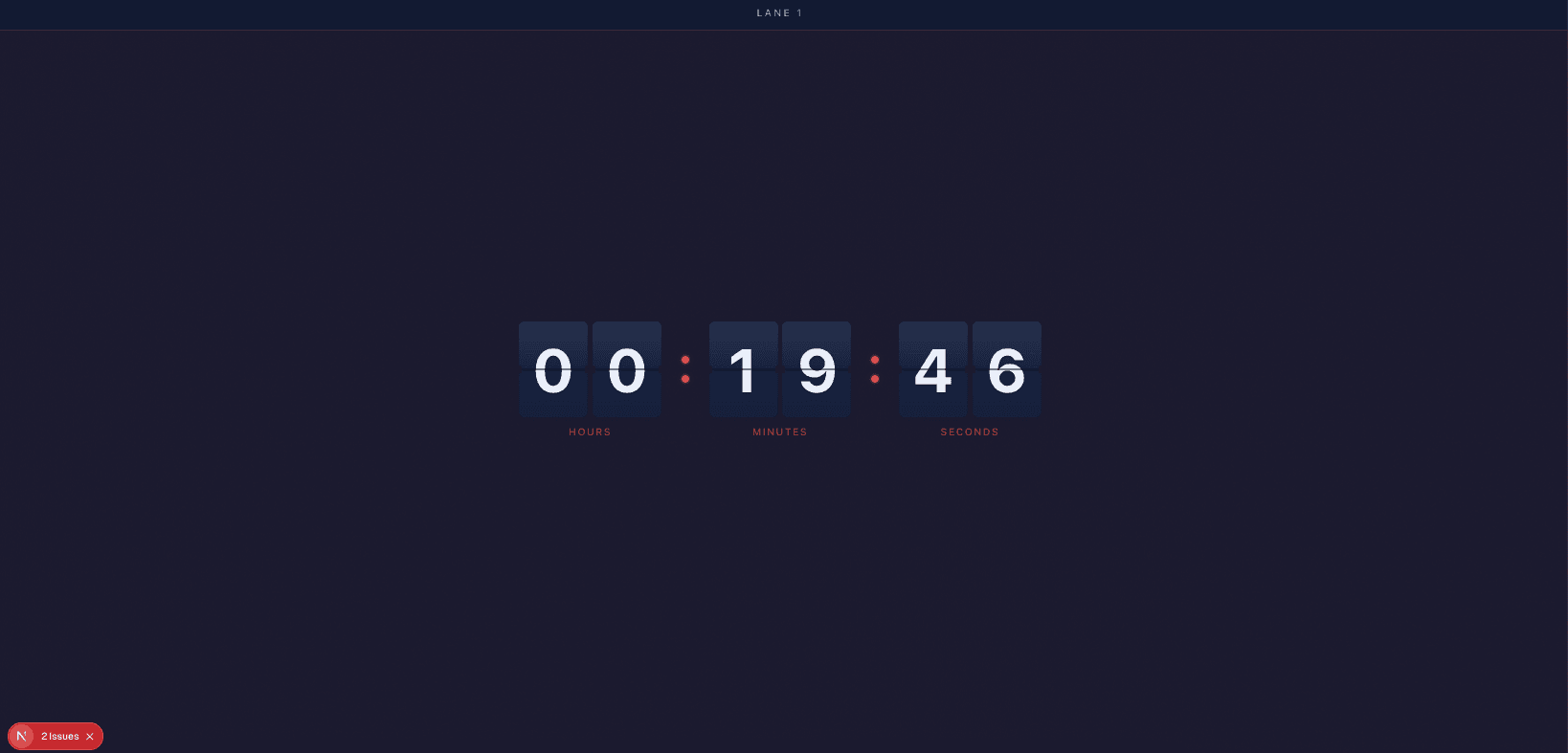
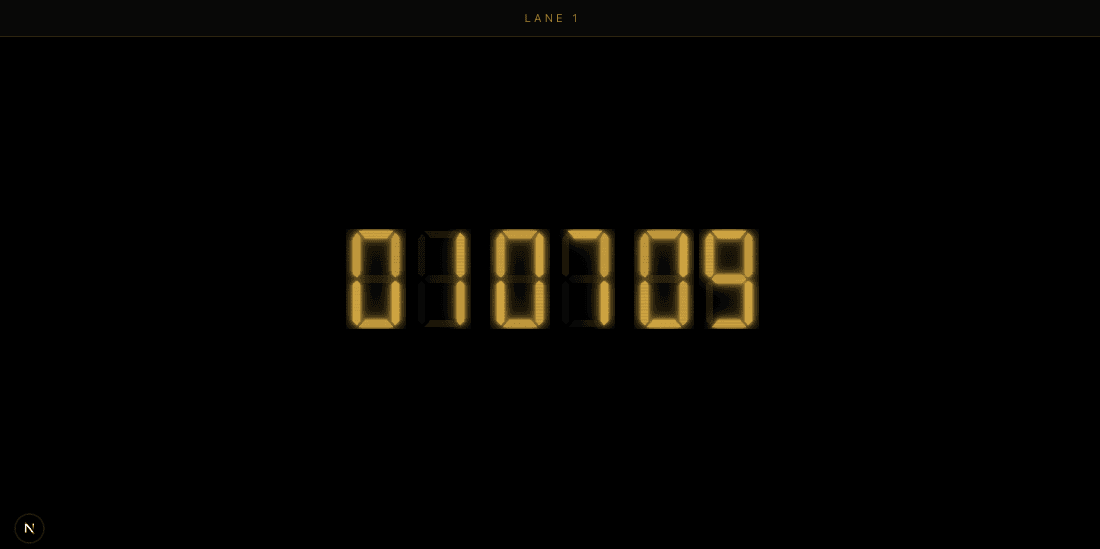
Ready-made themes that fit the room
Simple, flat pricing
$14.99/month
or $149.99/year · includes 5 timers and 10 display connections
Extra timers $2.00/mo (each adds 2 connections) · extra connections $0.50/mo
No credit card required for the trial · Cancel anytime · Full pricing calculator
Frequently asked questions
How do I show a presentation timer on the conference room screen?
Open the timer's public URL in a browser on the room's display — or on a tablet at the lectern. No app or login is needed on the display; you control it from your own device.
Can I send messages to the speaker?
No — Remote Timers is a countdown system, not a cueing tool. You can add or subtract time, which the speaker sees instantly. If you need speaker messaging and cue workflows for stage production, see our honest Stagetimer comparison.
Can I pause the timer during a talk?
There's no pause — the timer is built around a fixed end time so every screen agrees. The equivalent is one click: add back the minutes the interruption took.
Does it count up after the time expires?
No. At zero the display shows an expired state; it doesn't count into overtime. Your dashboard alerts you so you can wrap the session.
What does it cost for occasional events?
$14.99/month (or $149.99/year) with 5 timers and 10 display connections — and a 30-day free trial, which comfortably covers a first event before you commit.