Session timers for golf simulator bays
Remote Timers gives every simulator bay its own countdown display controlled from the front desk. Guests always know how much bay time is left, staff extend sessions in one click when someone books another hour, and every screen stays in sync with the desk. Works on any bay TV, monitor, or tablet with a web browser.
No hardware to install · Works on any screen with a browser · Cancel anytime
End the “time's up” conversation
Without a visible session clock, staff interrupt swings to wind bays down and guests feel short-changed. A countdown on the bay's screen — or a tablet mounted at the hitting area — sets expectations from the first swing and keeps the next booking starting on time.
How it works
Put a countdown in every bay
Open each bay's timer URL on a wall TV, a spare monitor, or a mounted tablet. The display shows the live session countdown with your branding.
Sell time in presets
Create presets for how you sell bay time — 30, 60, or 90 minutes. The desk starts the session the moment the group walks in.
Extend sessions on the spot
Group wants another 30 minutes? One tap on the '+30M' preset and the bay's display updates instantly — no walking over, no renegotiation at the tee.
Everything your venue needs
Per-bay displays
Every bay runs its own independent countdown on whatever screen you have — TV, monitor, or tablet with a browser.
Front-desk hub
All bays on one dashboard with live countdowns, so the desk always knows which bay ends next.
Booking-length presets
One-click starts for the session lengths you actually sell — no typing durations during a rush.
One-click extensions
Add time to any bay instantly. Extensions become an easy upsell instead of an awkward interruption.
Desk-side warnings
Your dashboard highlights bays approaching zero so staff can offer an extension before the session runs out.
Clean, branded screens
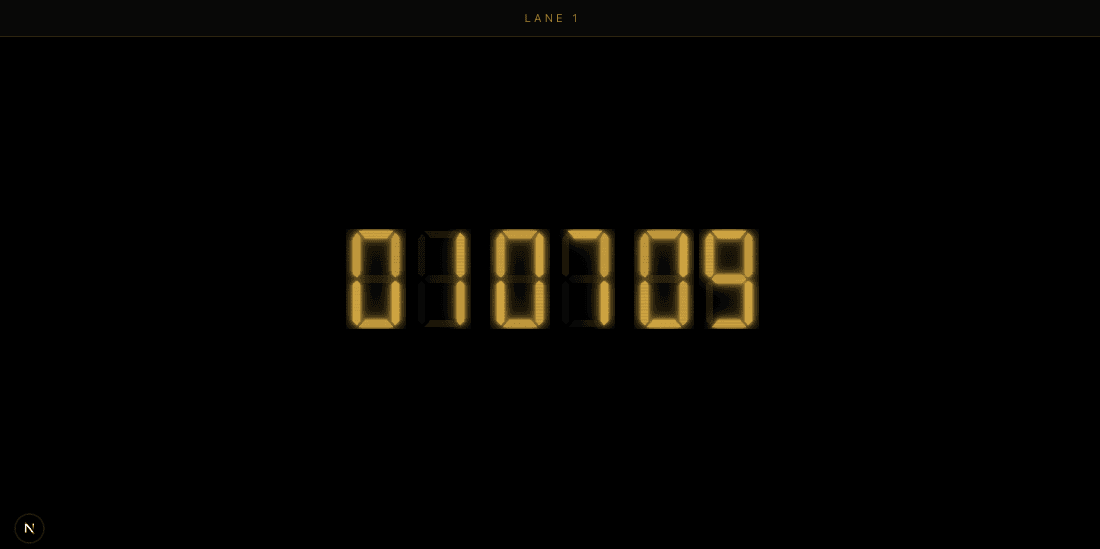
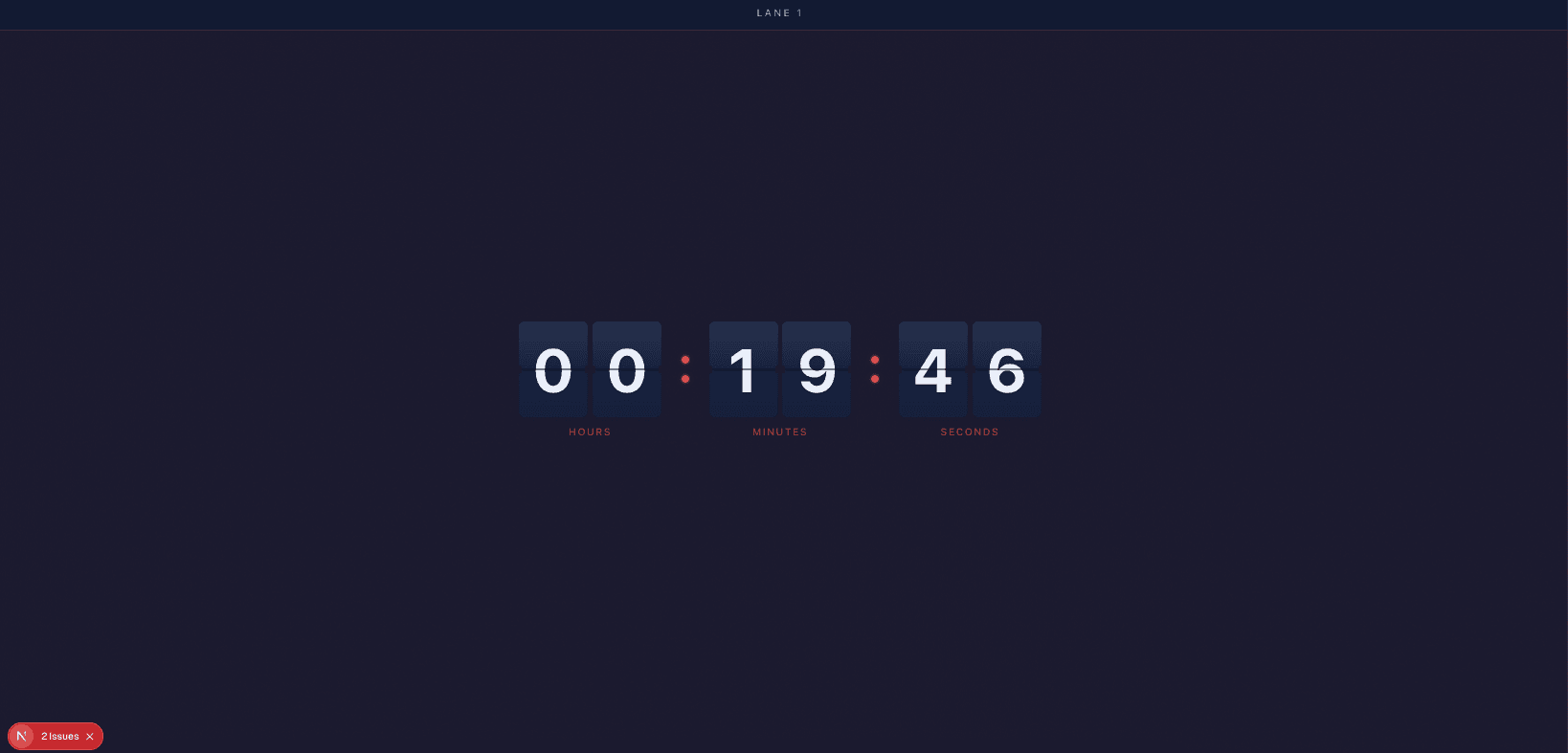
Themes plus your logo and colors keep bay displays looking like part of the facility.
Ready-made themes that fit the room
Simple, flat pricing
$14.99/month
or $149.99/year · includes 5 timers and 10 display connections
Extra timers $2.00/mo (each adds 2 connections) · extra connections $0.50/mo
No credit card required for the trial · Cancel anytime · Full pricing calculator
Frequently asked questions
How do guests see their remaining bay time?
The bay's screen shows a live countdown — open the bay's timer URL on any TV, monitor, or tablet with a browser. Guests can also scan a QR code to watch the same countdown on their own phones.
Can we extend a session without going to the bay?
Yes. Add time from the front-desk dashboard and the bay's display updates instantly. Most venues set up '+15M' and '+30M' presets so extensions are one tap.
Does Remote Timers integrate with booking software?
Remote Timers is a standalone timer layer that runs alongside any booking system — it doesn't sync reservations automatically. Most facilities keep bookings at the desk and use Remote Timers for what guests see in the bay.
What screens work in a simulator bay?
Anything with a web browser: a wall-mounted TV, the sim's second monitor, or a tablet at the hitting area. There's no app to install and no extra hardware to buy.
What does it cost for a multi-bay facility?
The base plan is $14.99/month (or $149.99/year) with 5 timers and 10 display connections included. Extra bays are $2/month each. Every account starts with a 30-day free trial.