How can we help?
Browse our frequently asked questions or drop us a message below.
Frequently Asked Questions
Do I need any special hardware to run Remote Timers?
How do I cast a timer to my smart TV?
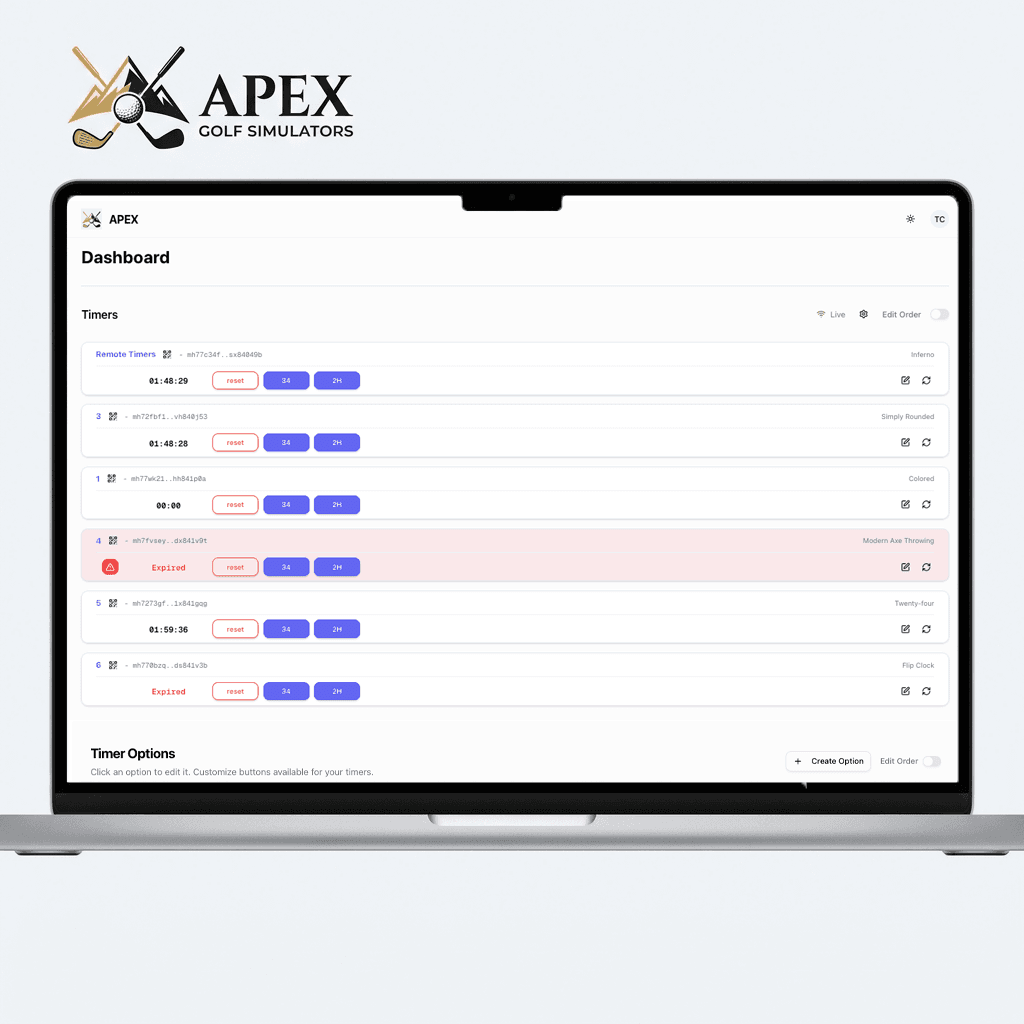
How do I customize the branding and colors?
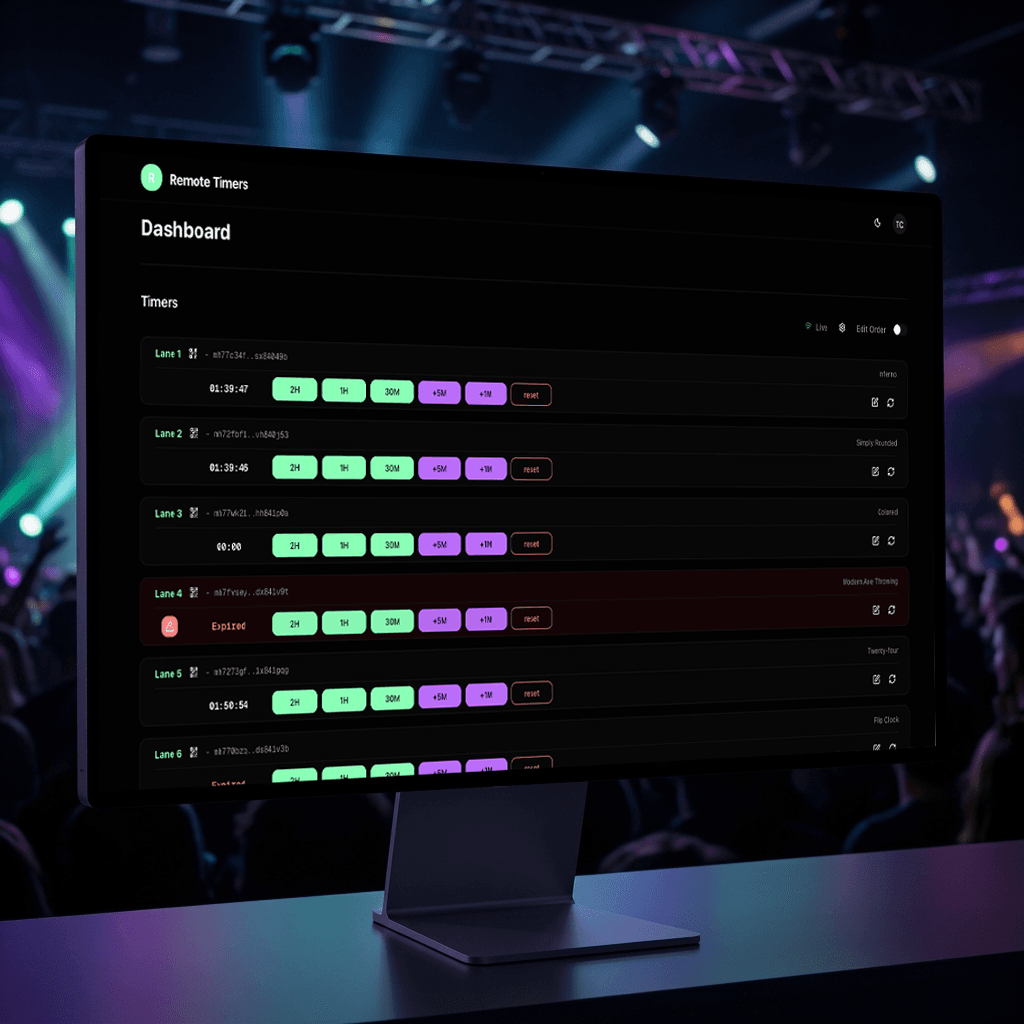
Can I manage multiple lanes or bays at the same time?
What happens if my internet connection drops?
How accurate is the real-time sync?
Can I create preset game modes or custom durations?
Is there a limit to how many TVs I can connect?
How does the 30-day free trial work?
What happens when my free trial ends?
Help articles
Step-by-step guides for setting up and running your timers.
Displays & Sharing
How to Put a Countdown Timer on a TV
Smart-TV browsers, streaming-stick browsers, or any HDMI device — no apps needed.
Read guideTimer QR Codes: Generate, Print & Share
Give every lane or room a scannable code guests can open on their phones.
Read guideSet Up Your Public Venue Page
One link that lists every timer — brandable, opt-in, and easy to share.
Read guideThemes & Branding
Using Timer Themes
Nine built-in looks, assignable per timer — or apply one to every screen at once.
Read guideCustomize a Theme
Tune any theme's options and colors, preview live, reset anytime.
Read guideAdd Your Logo & Brand Colors
Logo, brand name, exact hex colors, and button styles — across every display.
Read guideRunning Timers
Timer Presets: Start, Add & Subtract Time
One-click buttons for the durations you actually sell — no typing mid-rush.
Read guideWarnings, Sounds & Expiration Alerts
Desk-side warnings before zero, sounds and flashes at expiry, optional auto-reset.
Read guideManage Viewer Connections
See every connected screen, disconnect strays, and understand your limits.
Read guideAccount & Billing
Set Up Two-Factor Authentication
Authenticator-app codes plus ten recovery codes — two minutes to much stronger security.
Read guideManage Your Subscription & Billing
Add capacity, switch billing cycles, apply promo codes, update payment details.
Read guideHow the 30-Day Free Trial Works
The base plan free for 30 days — no credit card needed to start.
Read guideStill need help?
Send us a message and our support team will get back to you within 24 hours.