A shared countdown timer, in sync on every screen
Remote Timers is a shared countdown timer you control from one dashboard while everyone else watches the same synchronized time at a simple link. Viewers don't need an account or an app — any phone, tablet, laptop, or smart TV with a web browser shows the identical countdown, corrected for clock drift.
No hardware to install · Works on any screen with a browser · Cancel anytime
One timer, one truth
When each person runs their own stopwatch, times drift and arguments start. A shared timer has one owner and one clock: you start it, and everyone sees the same seconds tick at the same moment — across the room or across town.
How it works
Create a timer and share the link
Every timer gets a public URL and a QR code. Send the link in chat, print the code, or put it on a screen — anyone who opens it sees the live countdown.
Start it from your dashboard
Start from a preset, add or subtract time, or reset. You stay in control; viewers just watch.
Everyone stays in sync
A shared server clock with drift correction keeps every device on the same second, and screens that briefly disconnect re-sync automatically.
Everything your team needs
One link for every viewer
No downloads, no sign-ups. Anyone with the link watches the same live countdown in their browser.
You keep control
Shared links are view-only — only your dashboard login can start, change, or reset the timer.
Clock-drift correction
A shared server clock keeps a phone in the room and a TV across the building showing the same second.
See who's connected
The connections page lists every active viewer with device and browser details — and lets you disconnect any of them.
QR code sharing
Generate, download, and print a QR code for any timer so people can join by pointing a camera at it.
Themes and branding
Pick from nine display themes and add your own logo and colors so shared screens look intentional.
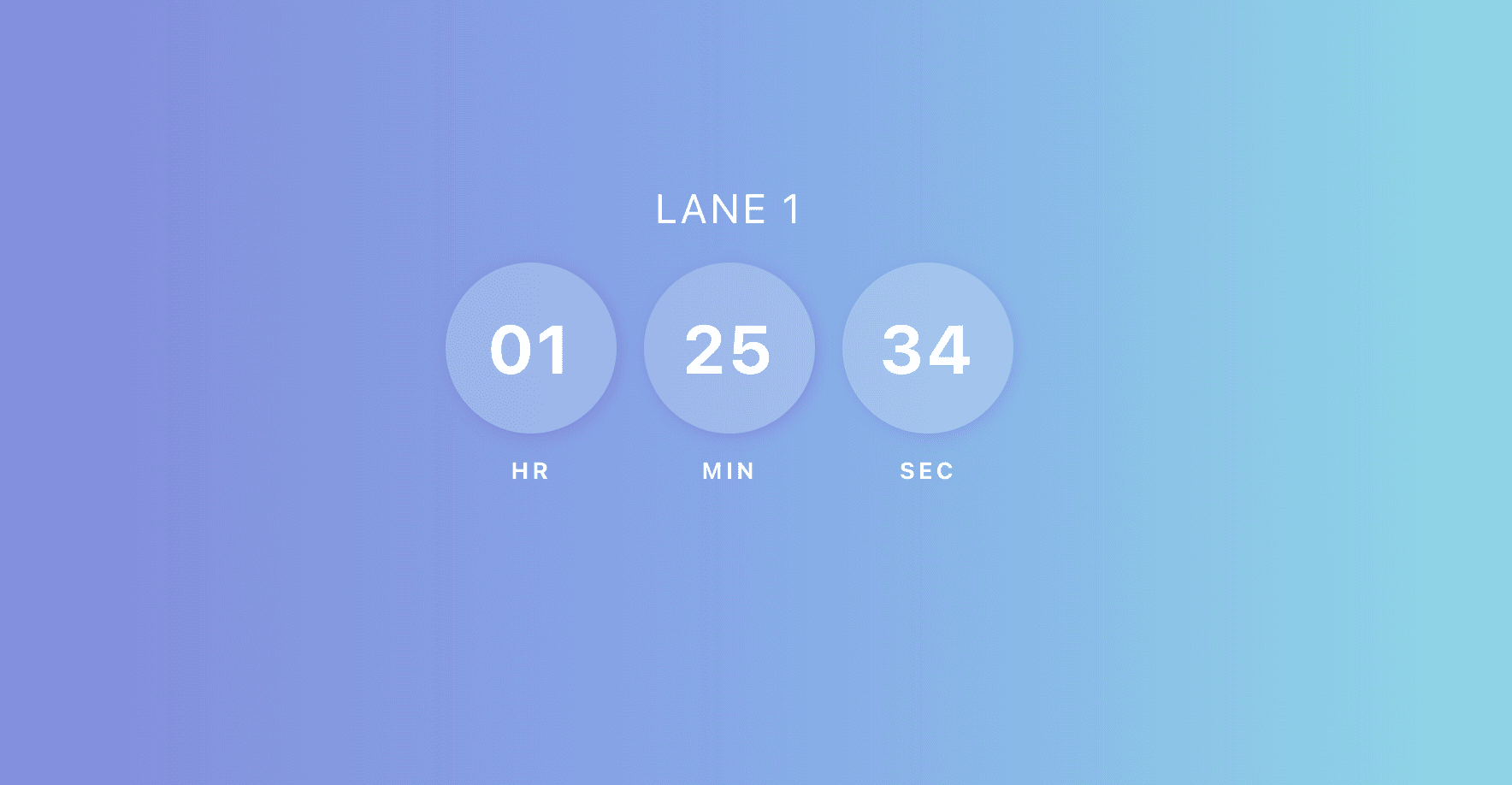
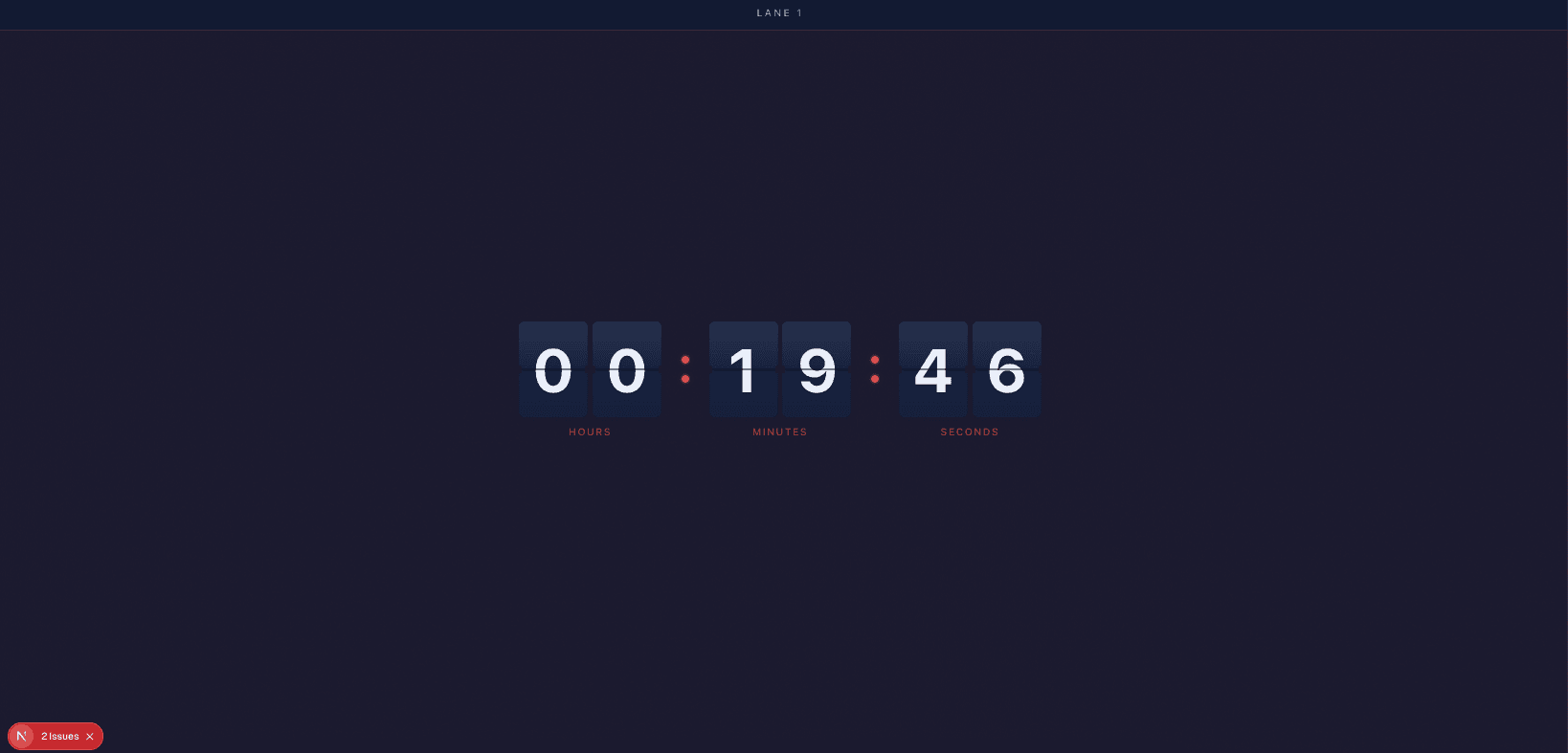
Ready-made themes that fit the room
Simple, flat pricing
$14.99/month
or $149.99/year · includes 5 timers and 10 display connections
Extra timers $2.00/mo (each adds 2 connections) · extra connections $0.50/mo
No credit card required for the trial · Cancel anytime · Full pricing calculator
Frequently asked questions
How do I share a countdown timer with other people?
Create the timer, then send its public link or QR code. Anyone who opens the link sees the live countdown in their browser — no download and no sign-up. You control the timer from your dashboard.
Do viewers need to install anything?
No. The shared timer runs in any modern web browser on phones, tablets, laptops, and smart TVs. Viewers just open the link.
Can other people control the shared timer?
No — shared links are view-only by design. Control stays with your dashboard login, which you can protect with two-factor authentication.
How many devices can watch one timer at the same time?
The base plan includes 10 concurrent display connections across your timers. Every extra timer adds 2 more, and standalone connection add-ons scale up to 200 concurrent displays.
Is there a free shared countdown timer?
Remote Timers isn't free, but it starts with a 30-day free trial (no credit card required) of the base plan. After the trial it's $14.99/month or $149.99/year.