Session timers for rage rooms
Remote Timers runs the session clock for your rage room on any screen — mounted safely inside the room, at the viewing window, or on guests' phones by QR code. Staff start and extend smash sessions from the front desk without opening the door. Any display with a web browser works.
No hardware to install · Works on any screen with a browser · Cancel anytime
Nobody checks a watch mid-swing
Rage room sessions are short, loud, and goggled — guests can't track time and staff shouldn't crack the door to shout it. A big countdown visible from inside the room, or on the group's phones, keeps sessions honest and turnovers on schedule.
How it works
Put the countdown where guests can see it
A protected screen inside the room, a display at the viewing window, or the group's own phones via QR code — every option shows the same live countdown.
Start sessions from the desk
Presets match your packages — '15-Minute Smash', '30-Minute Group'. Gear up the group, hit start, and the clock is running.
Extend without opening the door
Group buys ten more minutes? One tap adds it and the display updates instantly, mid-swing.
Everything your venue needs
Any-screen displays
TVs behind protective glass, window-facing monitors, or phones — anything with a browser shows the live session clock.
Front-desk control
Start, extend, and reset every room from one dashboard without entering the room.
Package presets
One-click starts for each smash package you sell, so staff never type durations mid-rush.
QR codes for the group
Friends waiting outside scan a code and watch the same countdown from the lobby.
One link for the whole venue
The public venue page lists every room's timer at a single link — guests tap their room and watch its countdown.
Built to survive Wi-Fi blips
Displays that briefly lose connection keep counting locally and re-sync automatically — no frozen clocks mid-session.
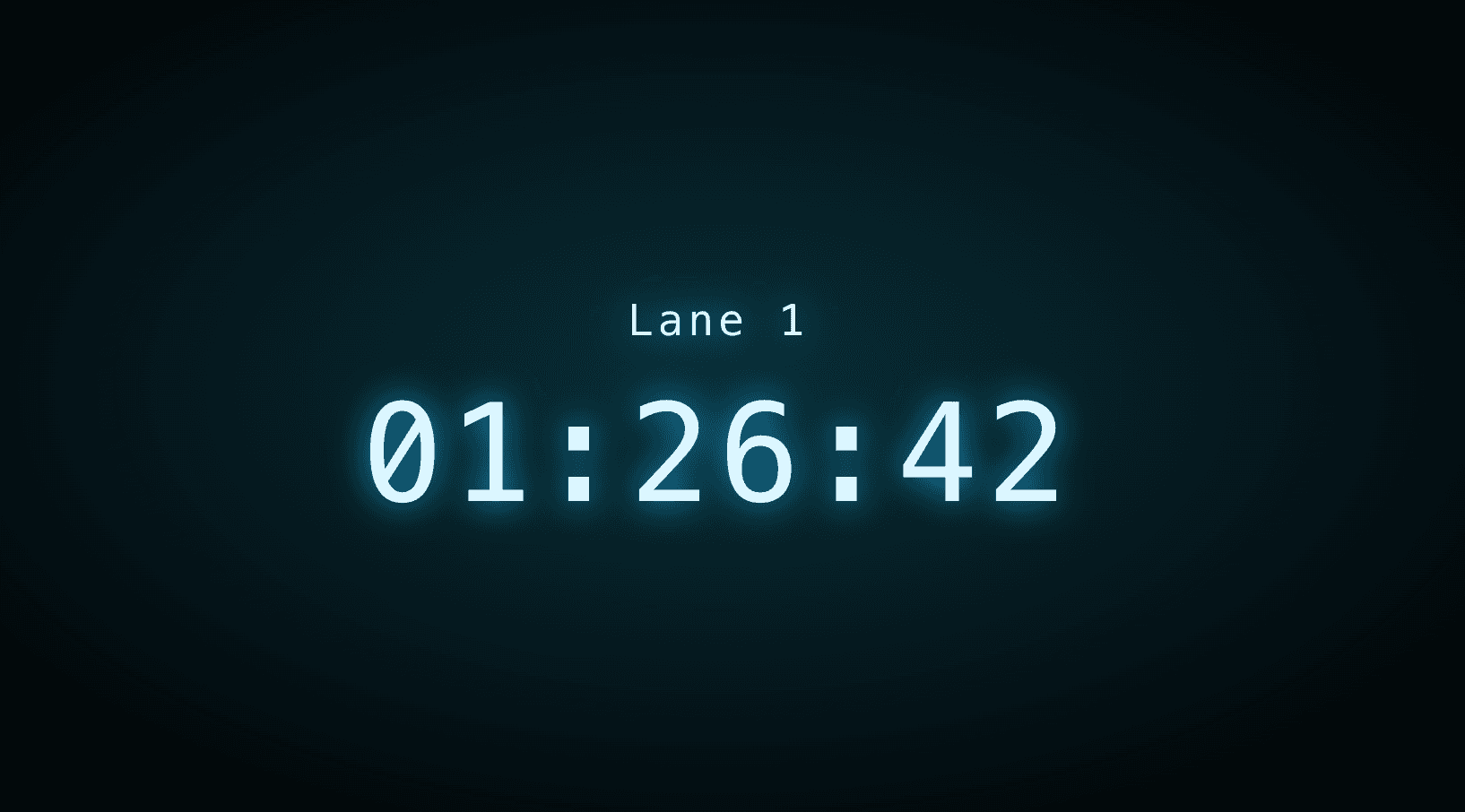
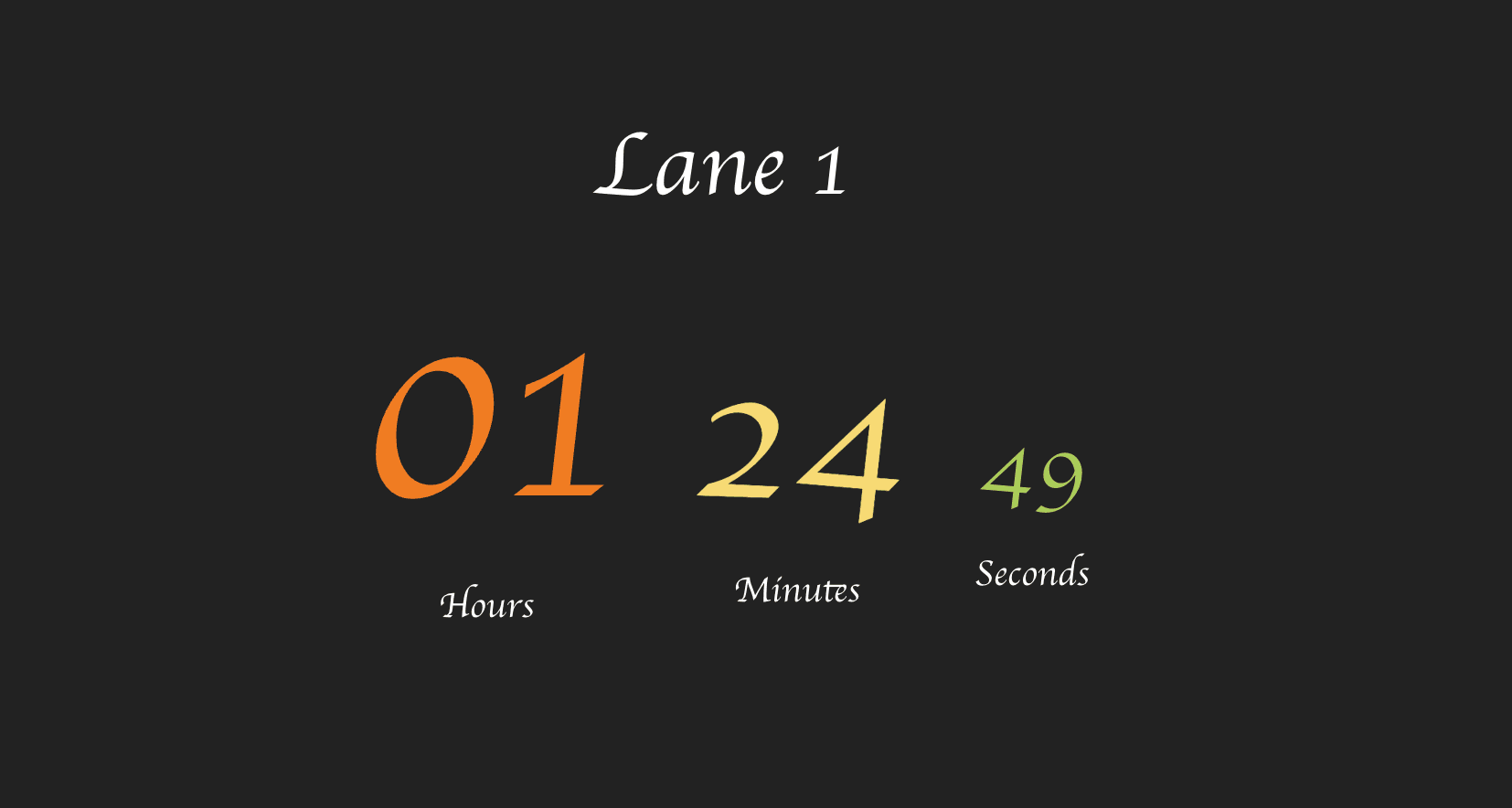
Ready-made themes that fit the room
Simple, flat pricing
$14.99/month
or $149.99/year · includes 5 timers and 10 display connections
Extra timers $2.00/mo (each adds 2 connections) · extra connections $0.50/mo
No credit card required for the trial · Cancel anytime · Full pricing calculator
Frequently asked questions
How do guests see the timer inside a rage room?
Mount any screen with a web browser behind protective glass or at the viewing window and open the room's timer URL on it. Groups can also scan a QR code before gearing up so friends outside track the session from their phones.
Can staff add time if a group buys more?
Yes — one tap on an add-time preset from the front desk and the room's display updates instantly. You sell the extension at your register as usual; Remote Timers handles the clock.
What happens if the Wi-Fi drops mid-session?
The display keeps counting down locally with its last-known state and re-syncs with the server the moment the connection returns — sessions don't freeze or lose time.
What does a rage room timer system cost?
$14.99/month (or $149.99/year) with 5 timers and 10 display connections included — extra rooms are $2/month each. Every account starts with a 30-day free trial.